
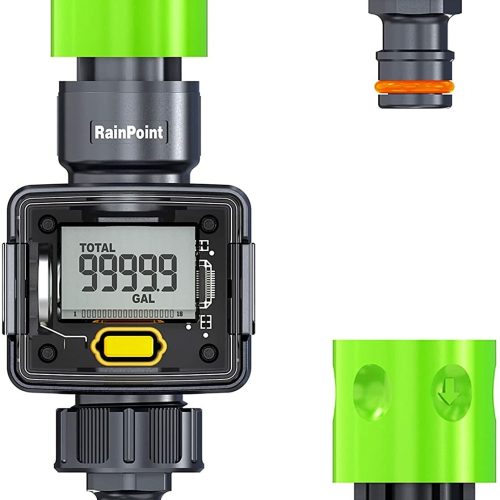
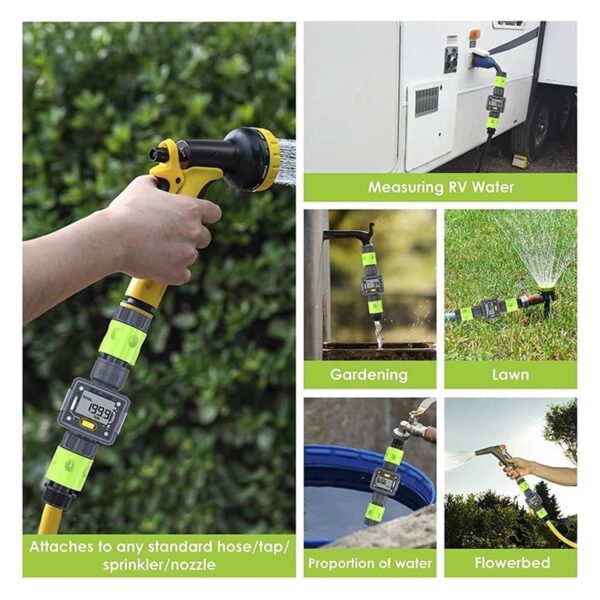
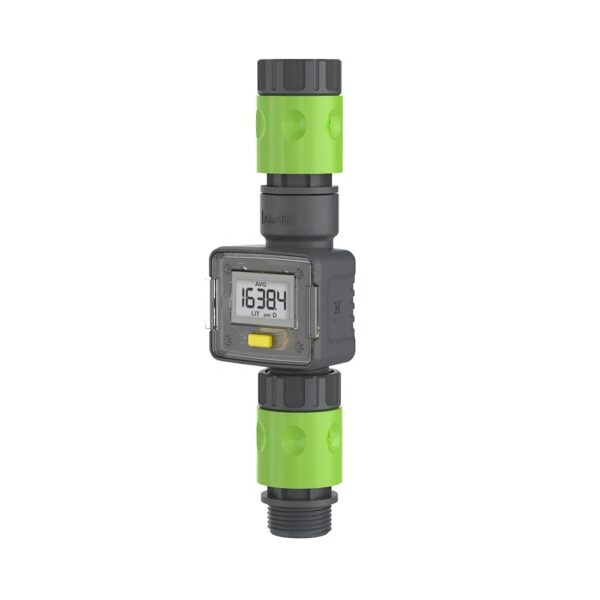

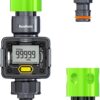


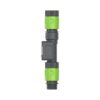


Rainpoint Digital water flow Meter
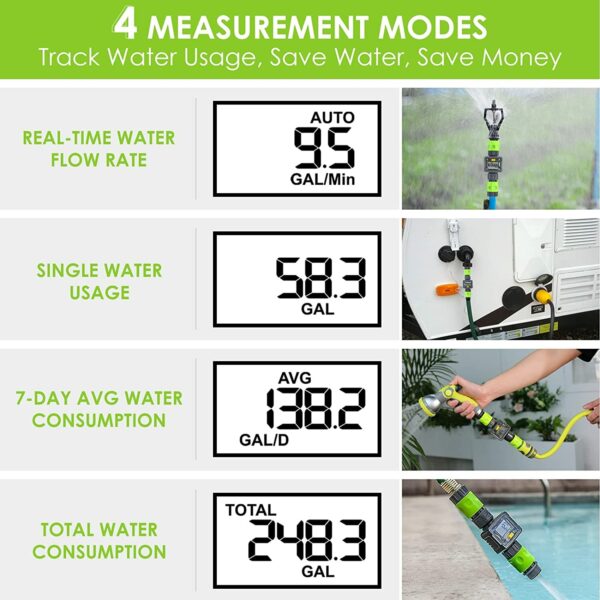
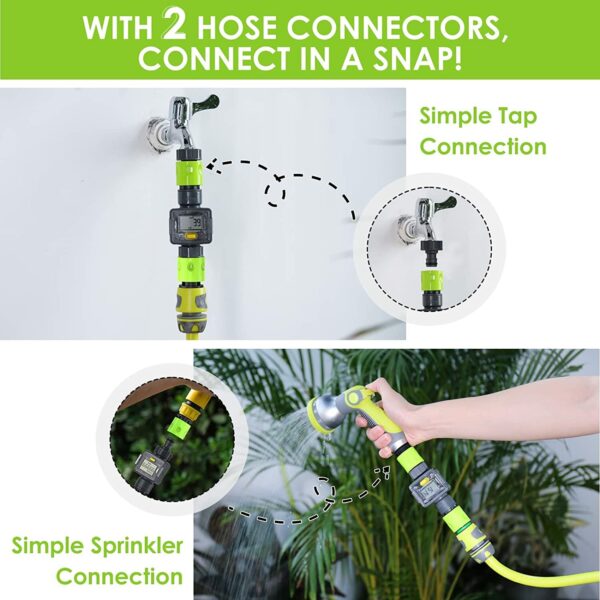
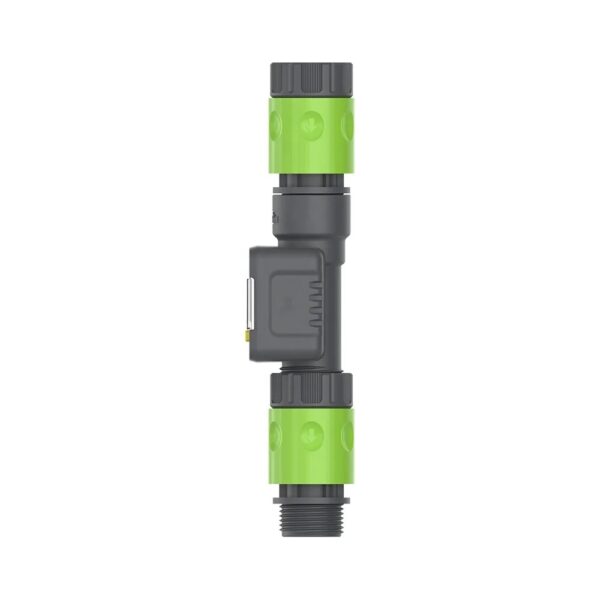
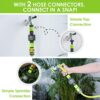
Hold the small handles on the side of the screen and pull the screen out. Take out the battery cover and insert the CR2032 battery (included). Put the cover back and the meter is ready to go. You can check it by pushing the button and reading the four modes of the water flow information one by one. The Rainpoint Digital water flow Meter will automatically change to sleep modus after 1 minute to save the battery. The connector at the side where you’re going to put the hose is not included (on this side you use the connector which is in most cases already installed on the hose).
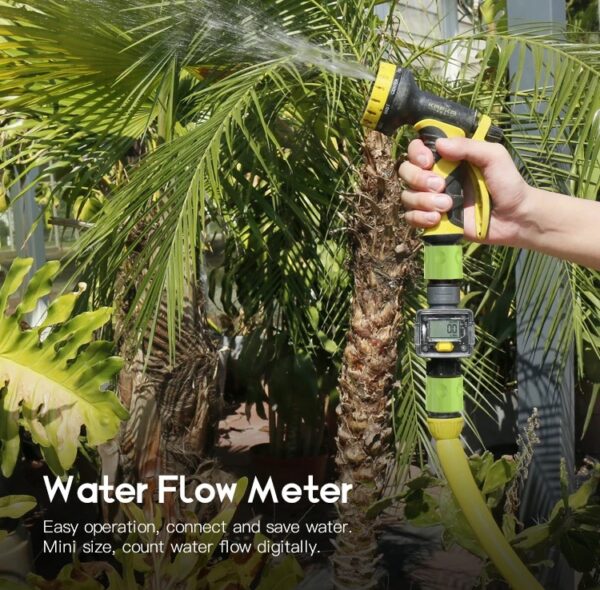
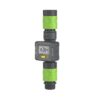
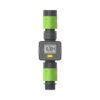
On the other side of the meter the connector is included. You will use this side to install a sprinkler, a nozzle etc. You can always toggle between the 4 modes with the yellow button. If you hold the button for 2 seconds in Auto mode, you can switch between Liters and Gallons. Holding the button for 2 seconds in the other 3 modes will reset these modes to zero. The meter is waterproof (IPX6), but you can’t submerge it in water. In order to achieve the most accurate measurements possible, we recommend to open the tap fully.
ADDITIONAL INFORMATION
-Waterproof IPX6 (you can’t submerge the device!)
-Water flow rate: 1 – 40 L/min.
-Max. water consumption the display can show: 9.999,90L
-Working pressure: 0,5 bar – 8 bar
-Flow Max: 2400 L/H
-Measurement tolerance: between minus 5% and plus 5%


Reviews
There are no reviews yet.